Restaurant POS & operations
From the
first check
to the last call.
Open the floor, keep the pass moving, and close the books with four apps that share the same outlet records.
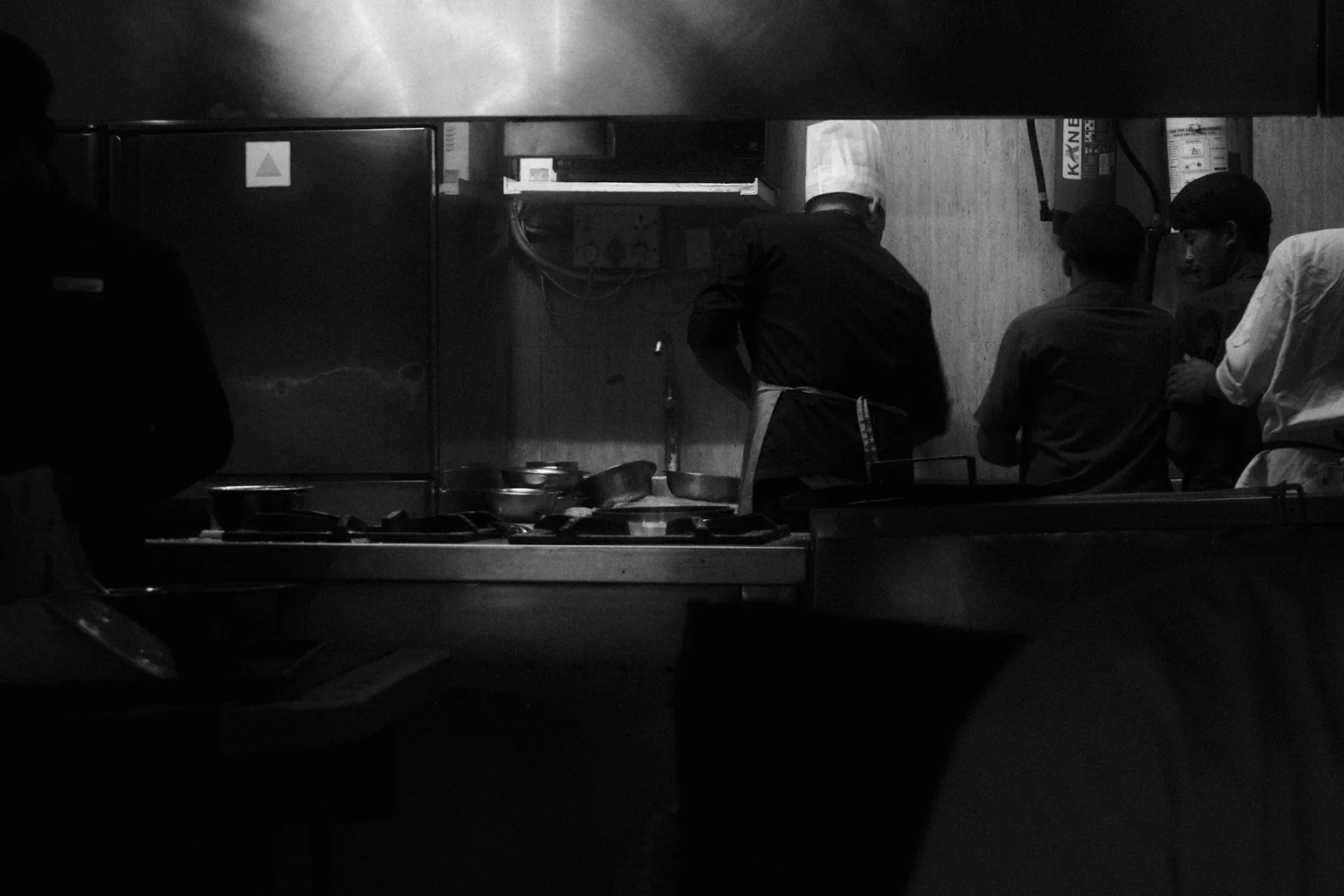
A shift, start to finish.
See where each app fits, from the first table to the end-of-day reports.
Floor & orders
See the whole room.
Walk into a busy service and see which tables are free, reserved, or already carrying a check. Find the right table by hall and open its ticket from the floor plan.
- Choose dine-in or takeaway, then build the check from the menu.
- Hold an open ticket to work on another table, then pick it up on the same register.
- Manage seating and reservations from Admin.
Billing & cash
Settle the bill. Count the drawer.
Review the check, apply a discount if needed, and record cash, card, or UPI. Recording payment puts the order on the Kitchen board and opens its receipt.
- Print a guest bill from the register and find recorded receipts in the Order book.
- Record the actual drawer count and compare it with expected cash.
- Review past counts, discounts, and refunds in Shift & cash.
Kitchen pass
Give tickets the whole screen.
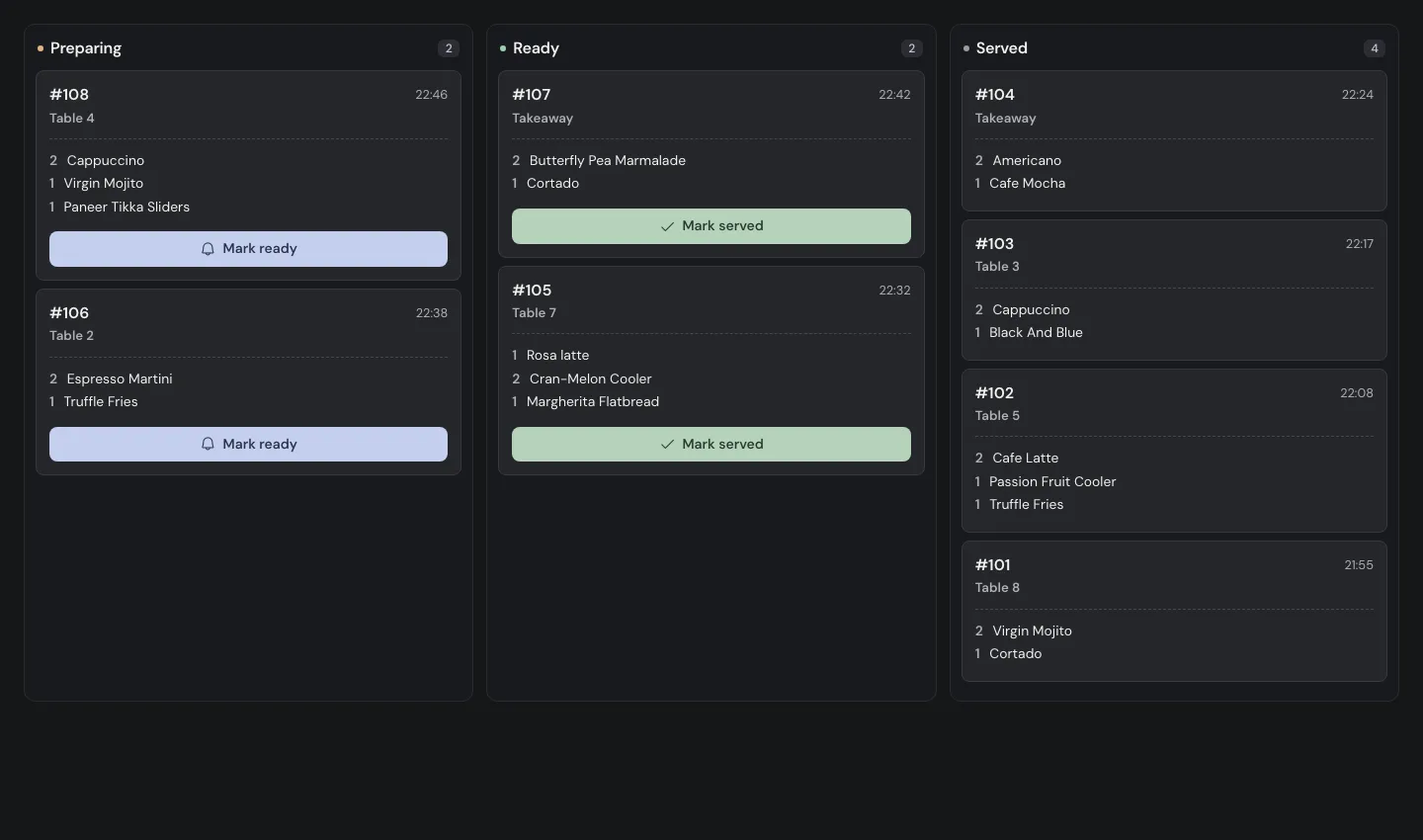
Open Kitchen on its own display. Each ticket keeps the table or takeaway, order number, and quantities together.
- Preparing
- See new tickets from the register.
- Ready
- Mark the order when it’s ready to leave the pass.
- Served
- Clear it from the ready lane once it goes out.
Staff checks
Show what was checked.
Staff can choose an inspection check, take or attach a photo, and review it before submitting. My captures shows what was filed. If the connection drops, queued photos stay on the device until they can upload.
Explore StaffBack office
Read the shift back.
Use Admin to review bills and reports by business date, check stock and inventory movements, and follow up on staff photos in the capture inbox.
- Update menus, prices, and item availability before the next shift.
- Manage floor settings and access for existing team accounts.
See the apps.
Switch tabs to explore screens from a sample outlet.
From “the usual” to the final bill.
Build a check, move a table, take payment, and close the shift. Keep the menu and the open ticket within reach at the counter.
Open Manager POS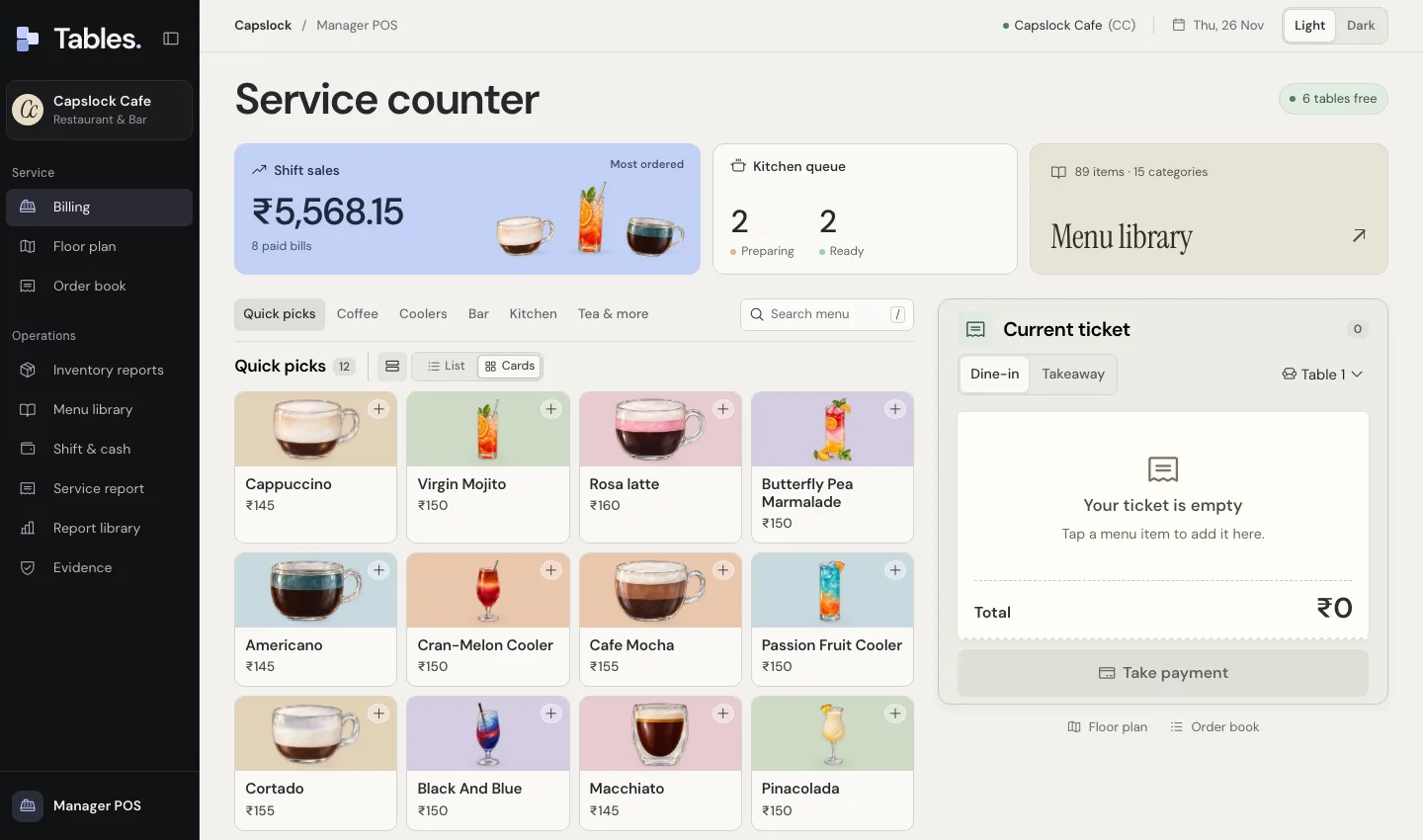
Find your app.
Show us your floor.
We’ll walk through a shift shaped around your restaurant.