See what needs a check
Choose the inspection check you’re recording. Use the criteria to tell the back office which part of the outlet you checked.
Staff
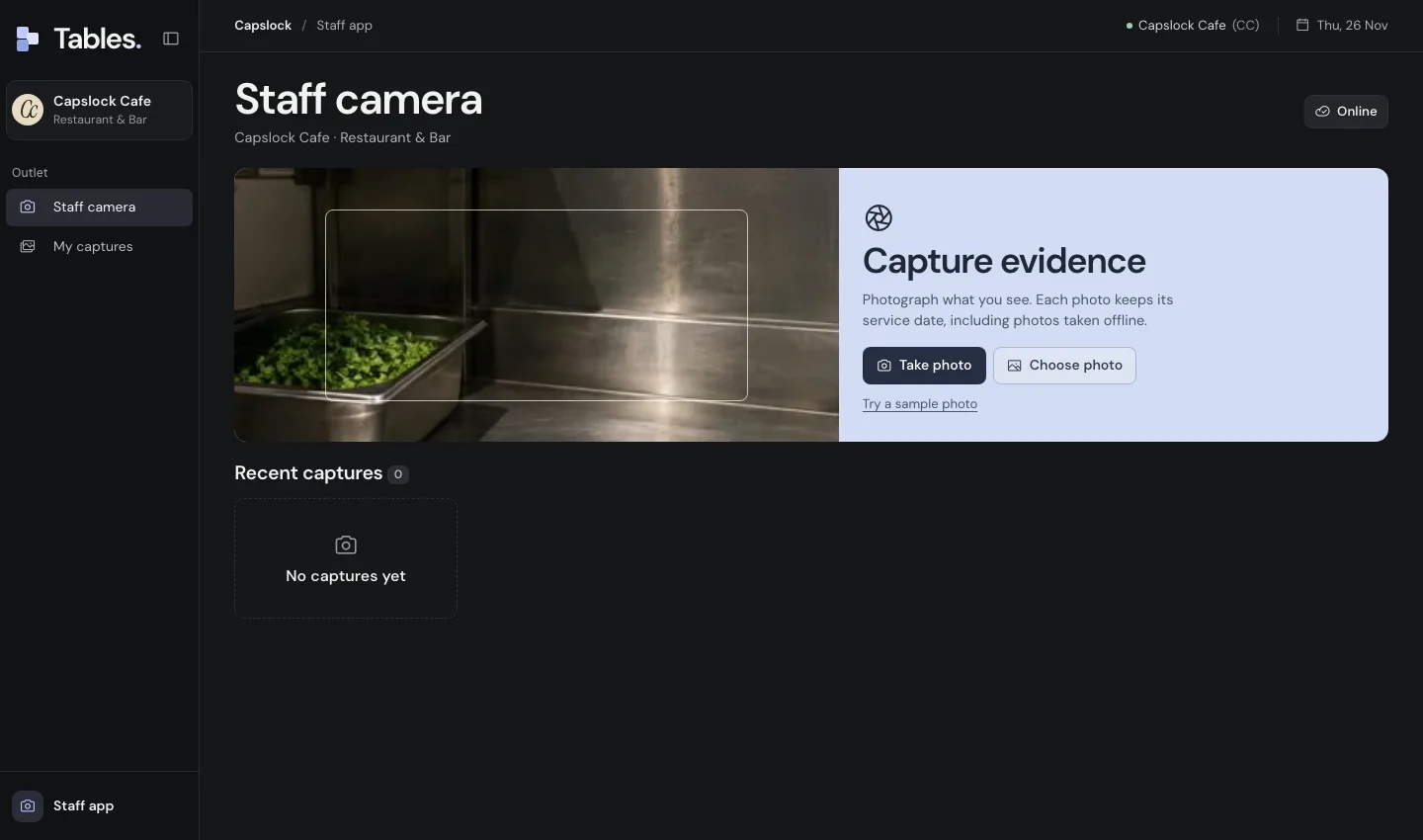
Capture outlet checks with the staff camera and send them for review. Photos can queue on the device when the connection drops.

Choose the inspection check you’re recording. Use the criteria to tell the back office which part of the outlet you checked.
Take a photo or attach one from the device. Review it before submitting it to the outlet record.
Find submitted photos in My captures. Queued photos stay on the device until they can upload.
Start here when you sign in to a sample outlet.