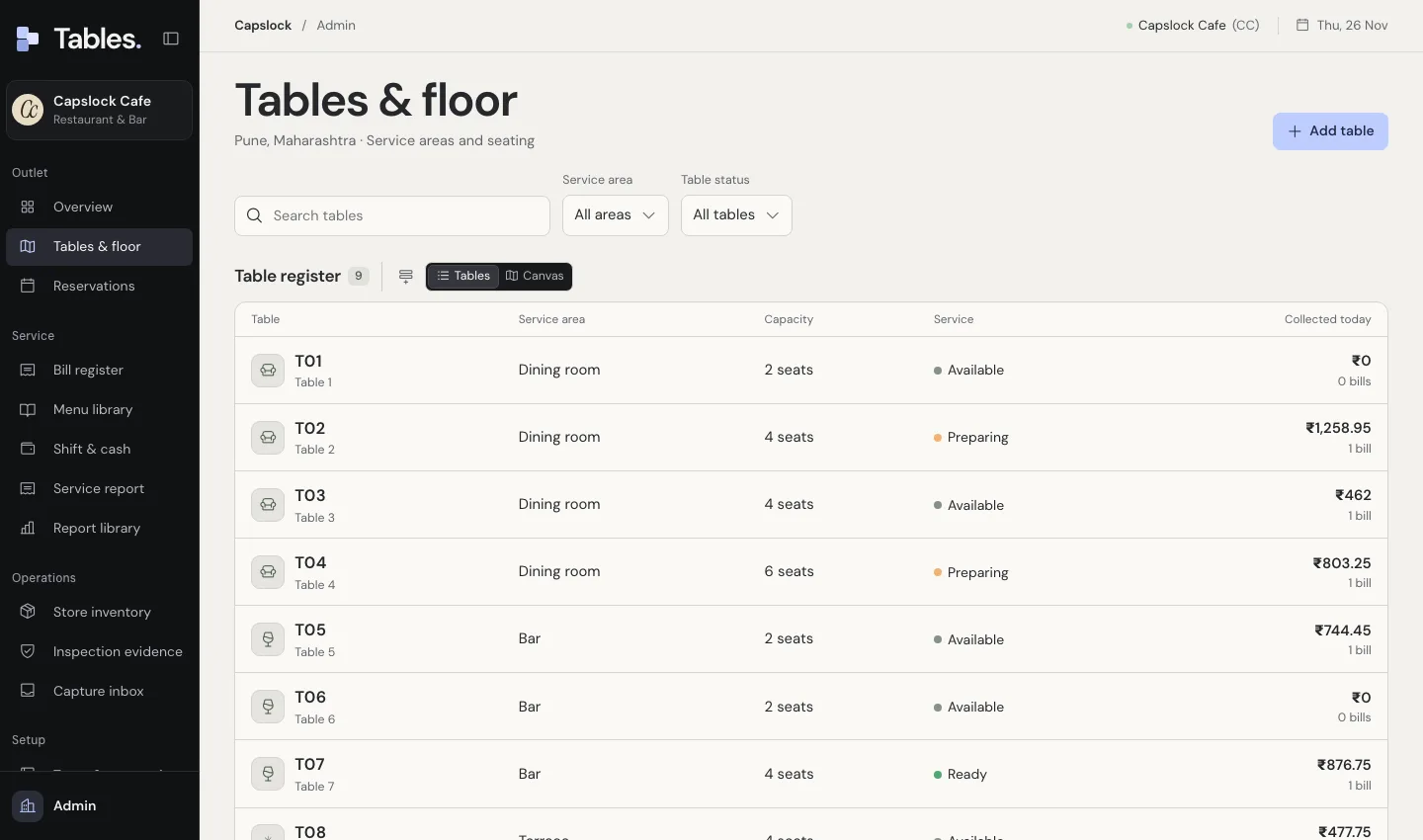
Set up the floor
Organise tables by hall, manage table availability, and keep reservations with the right seating area.
Admin
See the floor and reservations, maintain menus and stock, review evidence, and pull reports across the shift.

Organise tables by hall, manage table availability, and keep reservations with the right seating area.
Update menu prices and availability, review stock, and open the Staff capture inbox. Manage settings and access for existing team accounts.
Review bills and cash activity, then use business dates to compare records in the report library.
Start here when you sign in to a sample outlet.