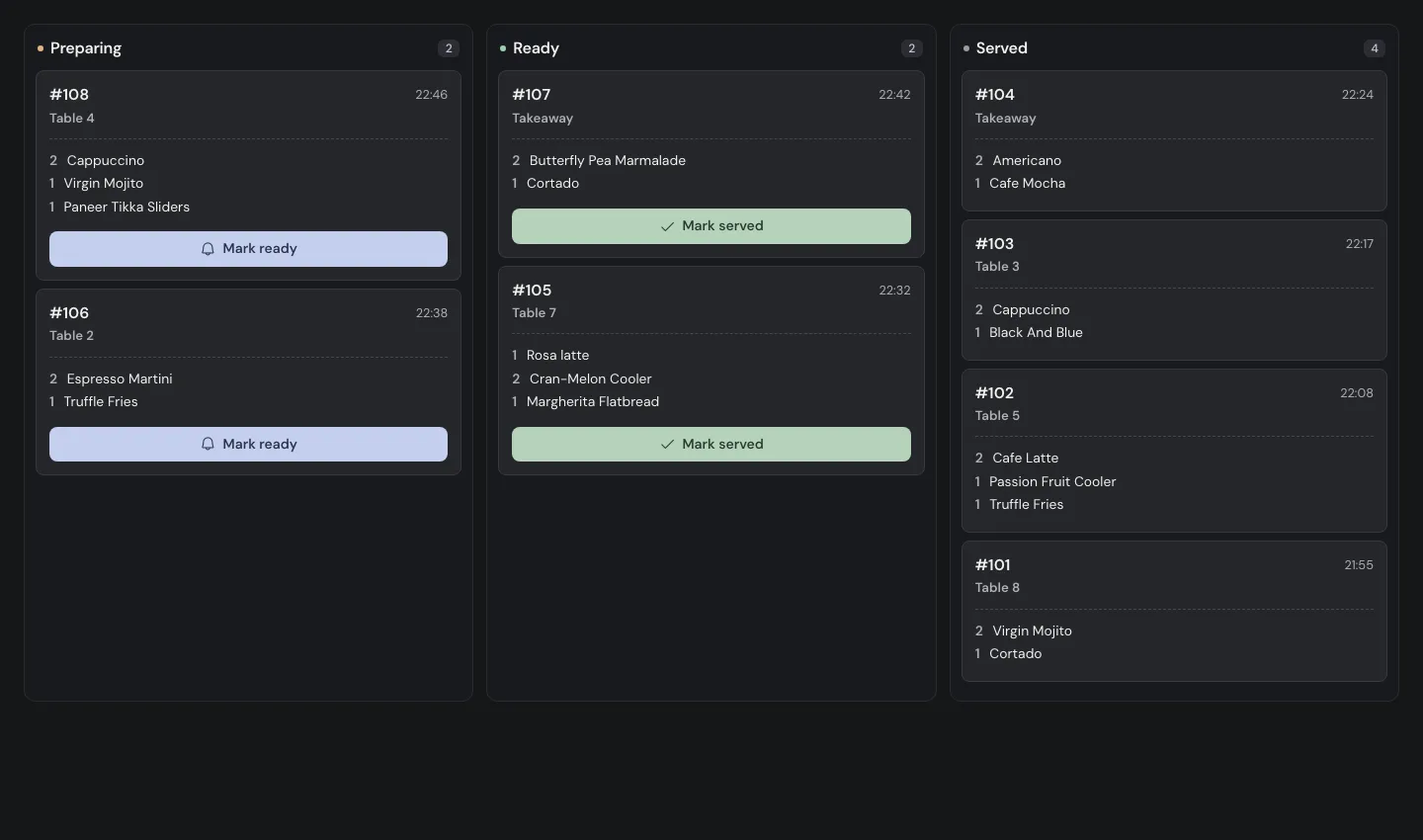
Start with Preparing
See new tickets after payment is recorded at the register. Each ticket keeps the order number, table or takeaway, and quantities together.
Kitchen
A full-width kitchen board that keeps Preparing, Ready, and Served tickets in view. Move an order along with one tap.
See new tickets after payment is recorded at the register. Each ticket keeps the order number, table or takeaway, and quantities together.
Use Mark ready when the order is ready to leave the pass, then Mark served once it goes out. The ticket moves between lanes.
The ticket lanes fill the available window. Install Kitchen by itself on a dedicated display.
Start here when you sign in to a sample outlet.